Keeps
Your cameras start talking.
Keeps plugs into your existing CCTV: a vision model watches, understands, and alerts in plain language. 18 seconds from event to WhatsApp alert. No hardware to buy. No facial recognition.
Your cameras capture everything, but no one is watching. Keeps changes that. Connected to your existing CCTV, an AI vision model monitors your spaces and describes what is happening in plain language: a queue running over three minutes, an empty shelf, gloves left off in the kitchen, an abandoned package. The alert reaches the right person on WhatsApp, with the image, in 18 seconds. Keeps never recognises faces: it detects behaviours and objects, processes locally, and retains the minimum.
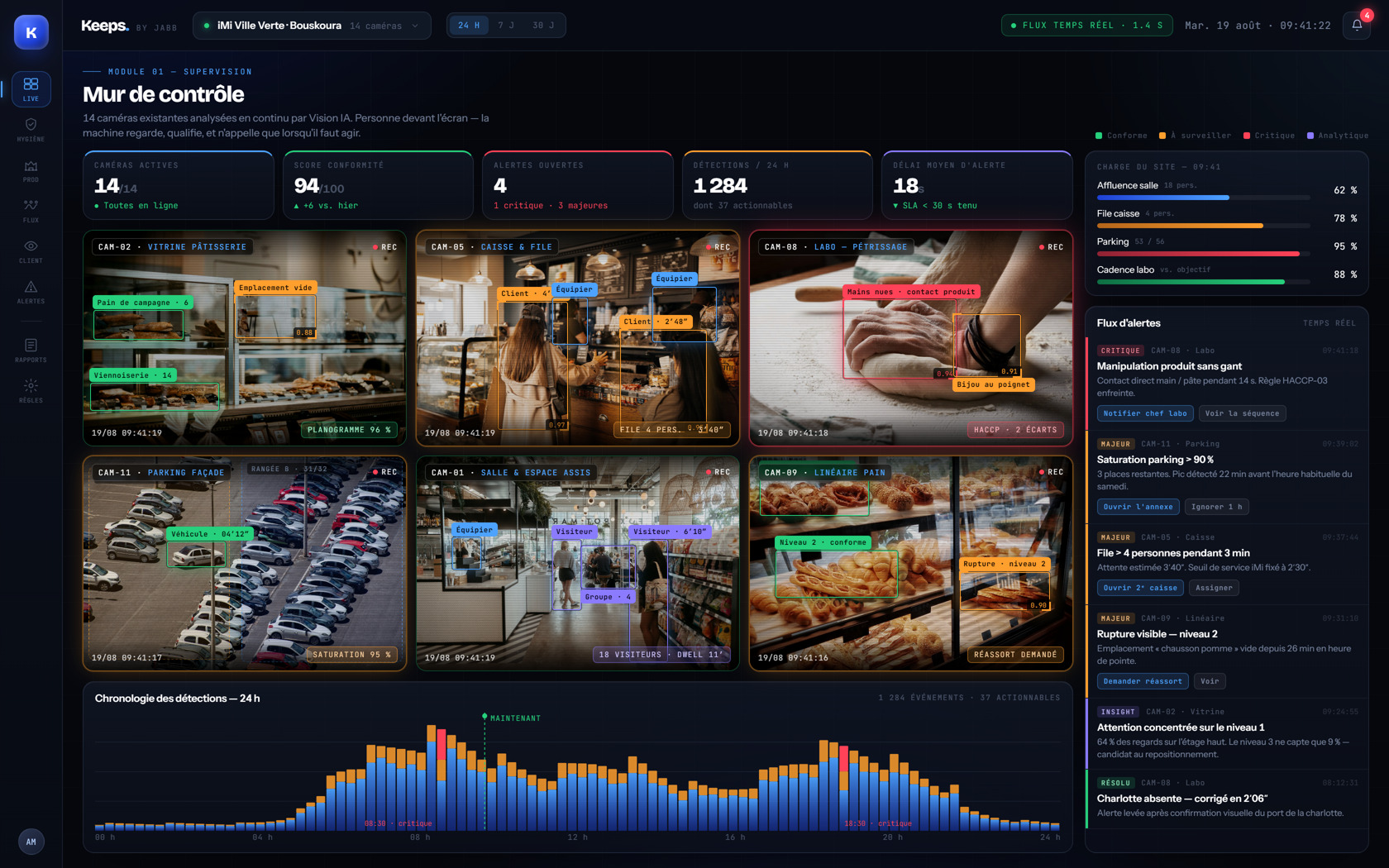
What changes
A vision model monitors 24/7 what no one has time to watch.
“Queue of 7 people at checkout 2” instead of 8 hours of video.
The right owner alerted on WhatsApp, with the image.
Behaviors and objects only. No facial recognition.
All features
Your cameras start talking.
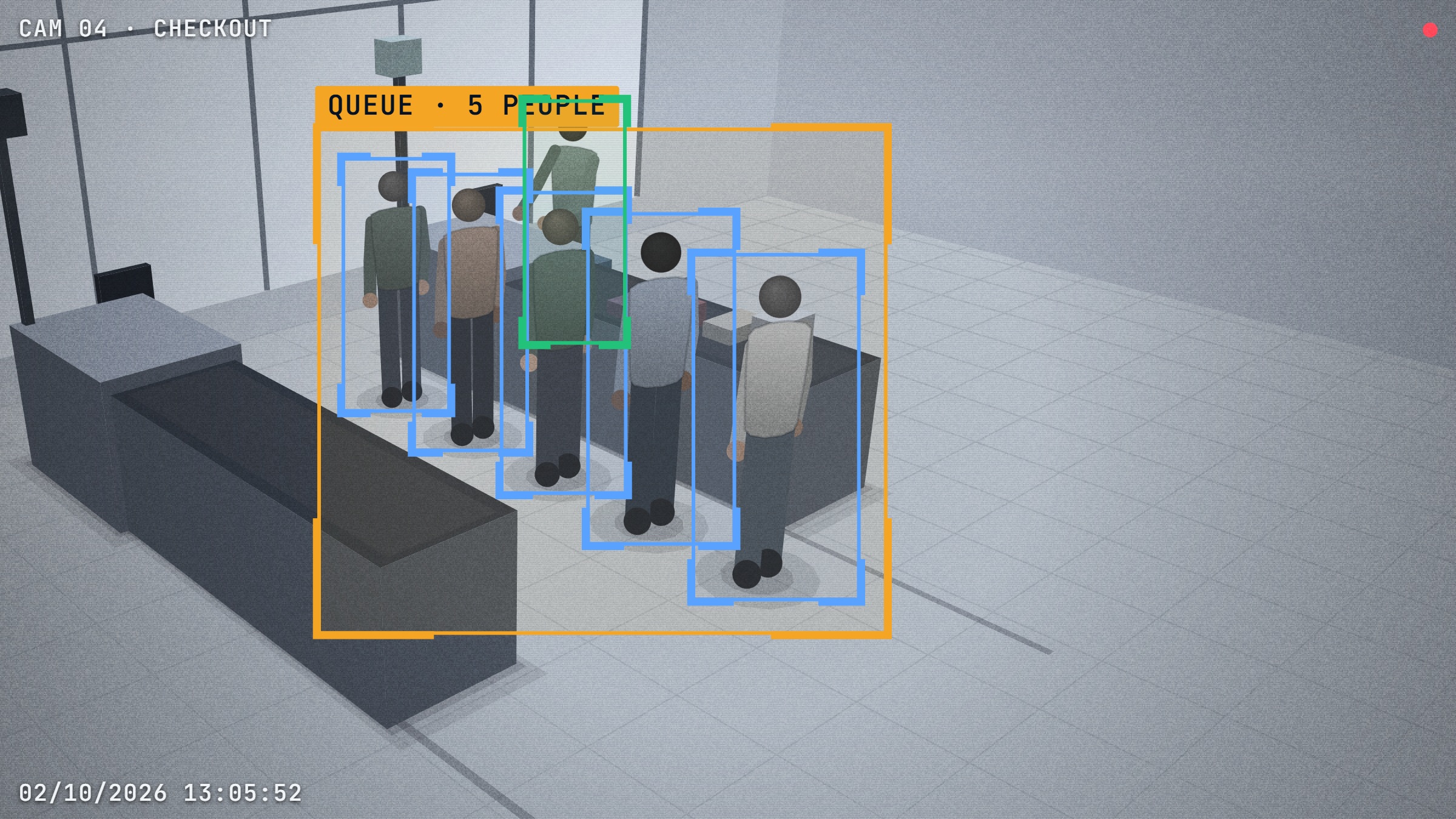
Waits over 3 min, abandoned queues, hour-by-hour peaks.
In-store flows, mapped.
Teams matched to real footfall.
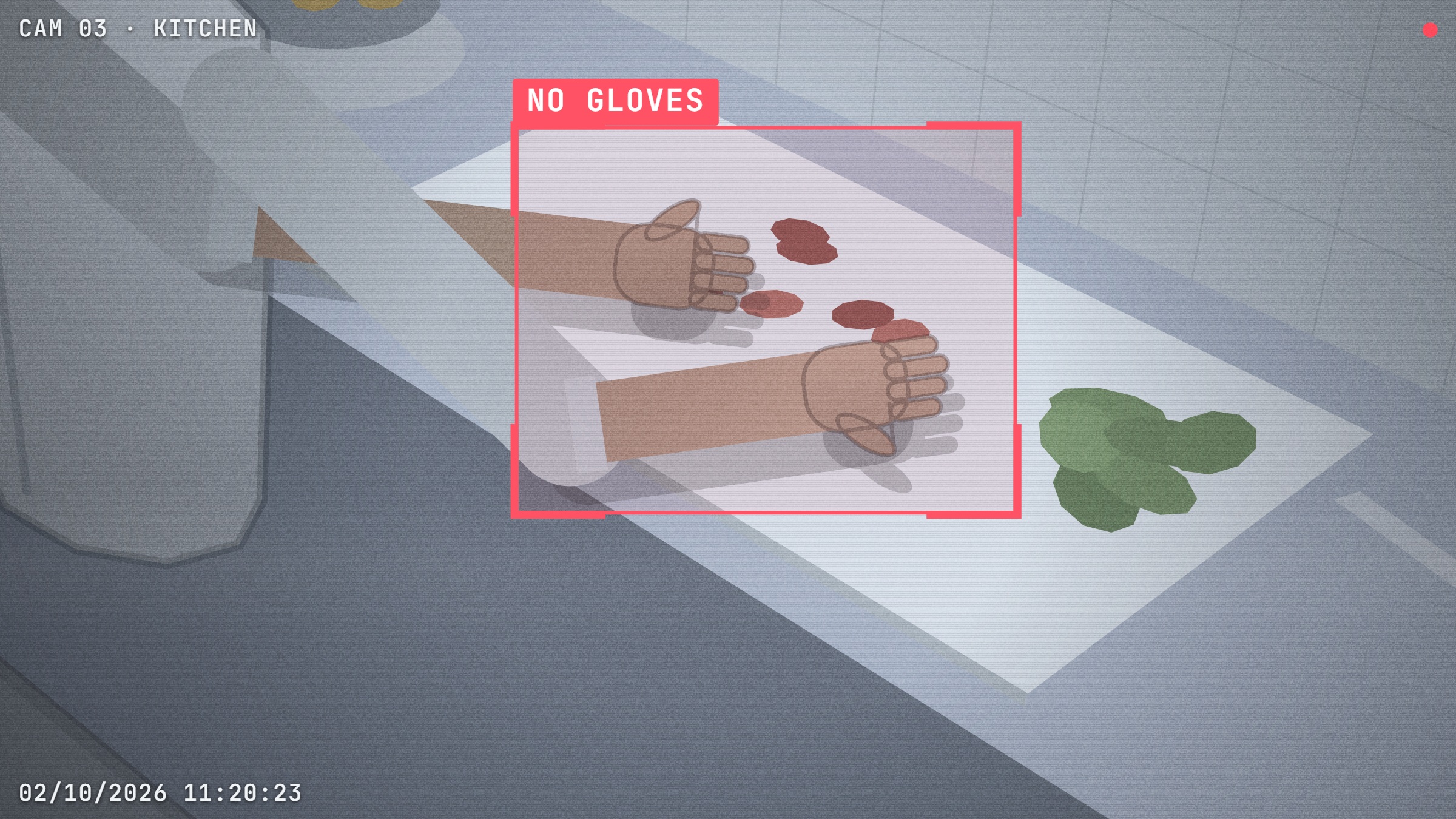
Gloves, HACCP, handling, temperature zones.
Shelves, visible stockouts, offers properly displayed.
Intrusions, falls, abandoned packages.
On WhatsApp, to the right person, with the image.
No hardware to buy, no heavy installation.
Events described in French, Arabic, or English.
From image to alert in 18 seconds
A queue forms at checkout 2 and goes beyond three minutes.
People, queues, and objects. Never faces.
“Queue of 7 people, estimated wait 4 min, checkout 3 closed.”
On WhatsApp, to the site manager, with the image.
What Keeps sees, zone by zone
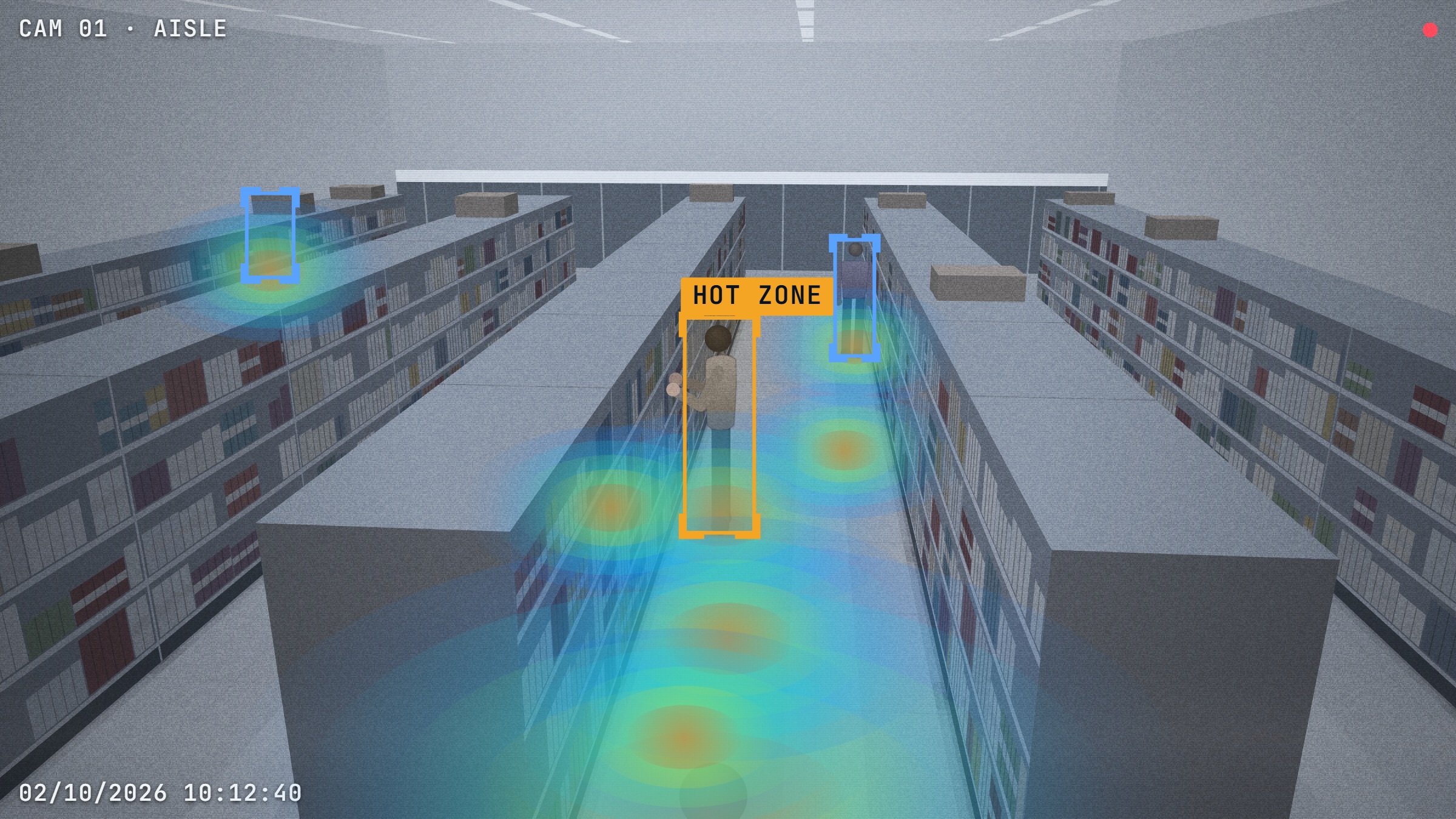
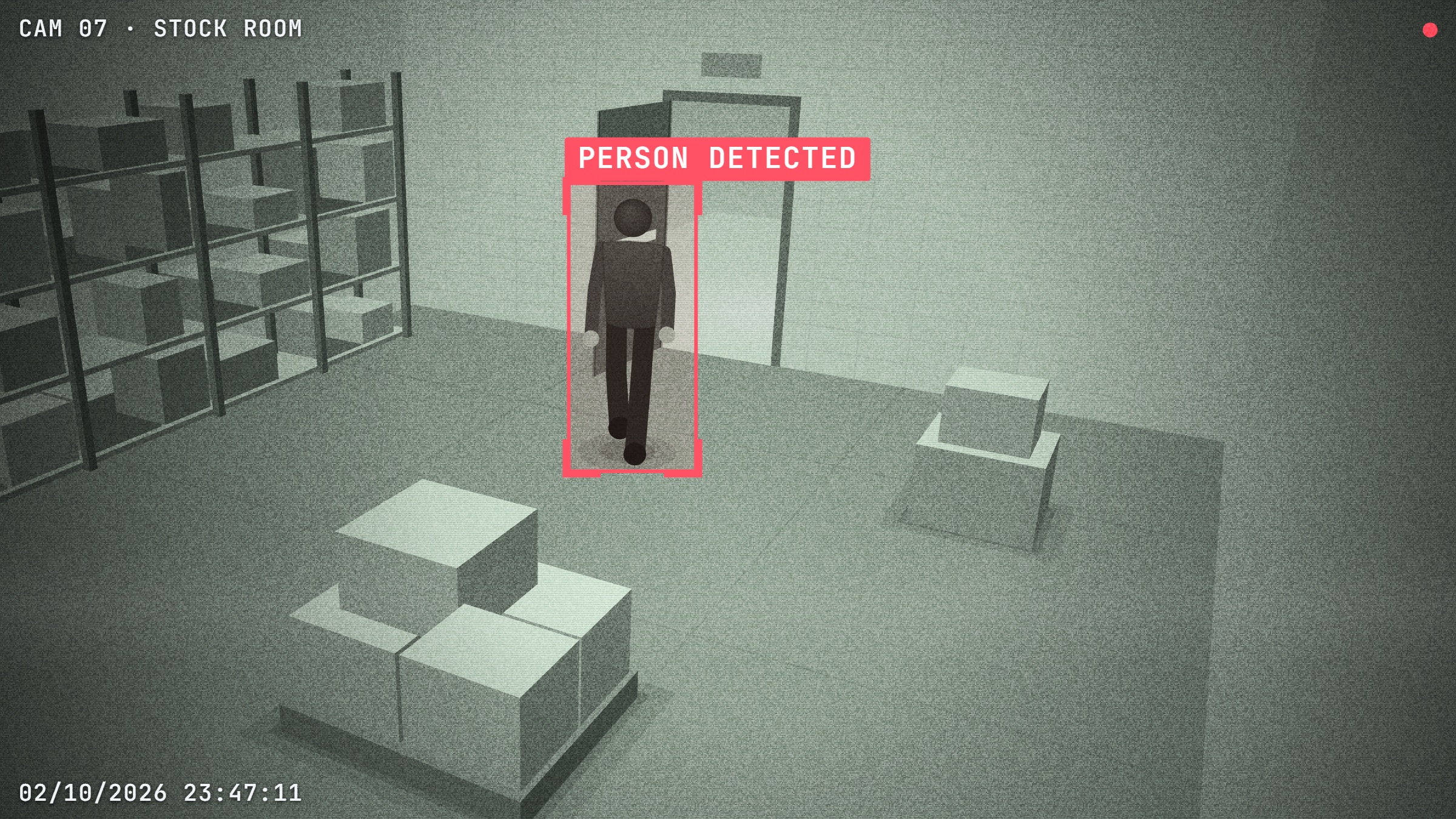
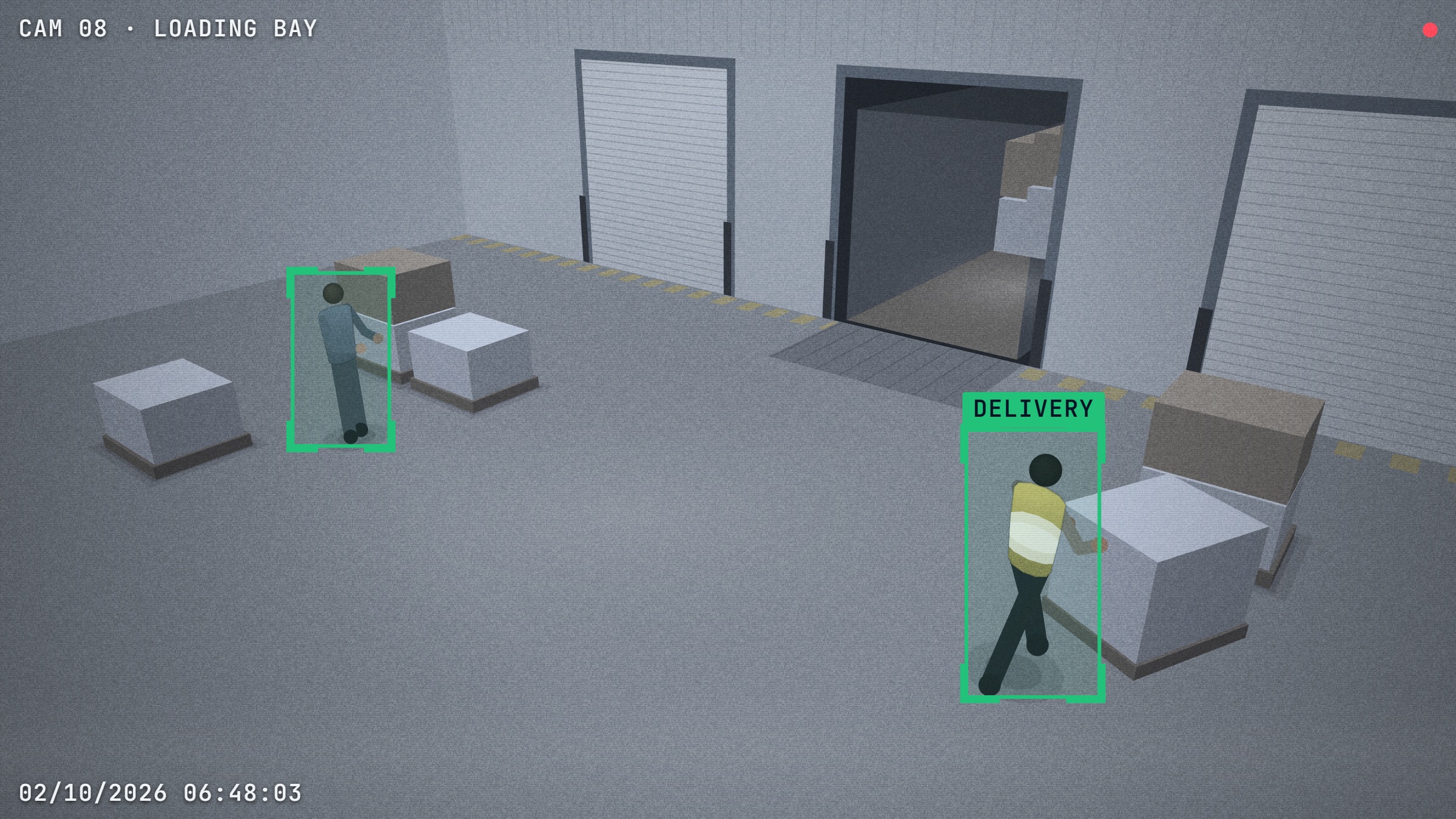
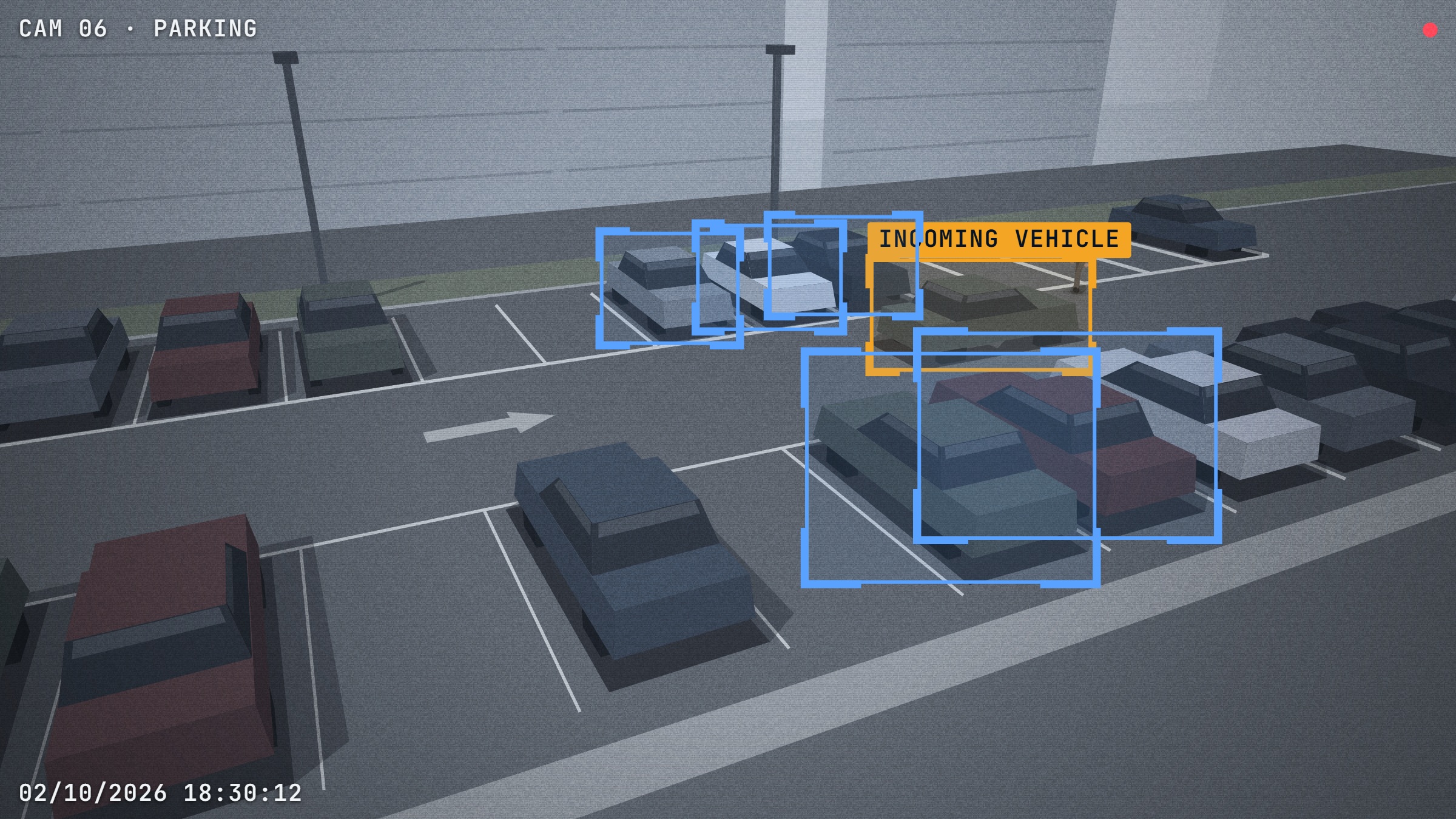
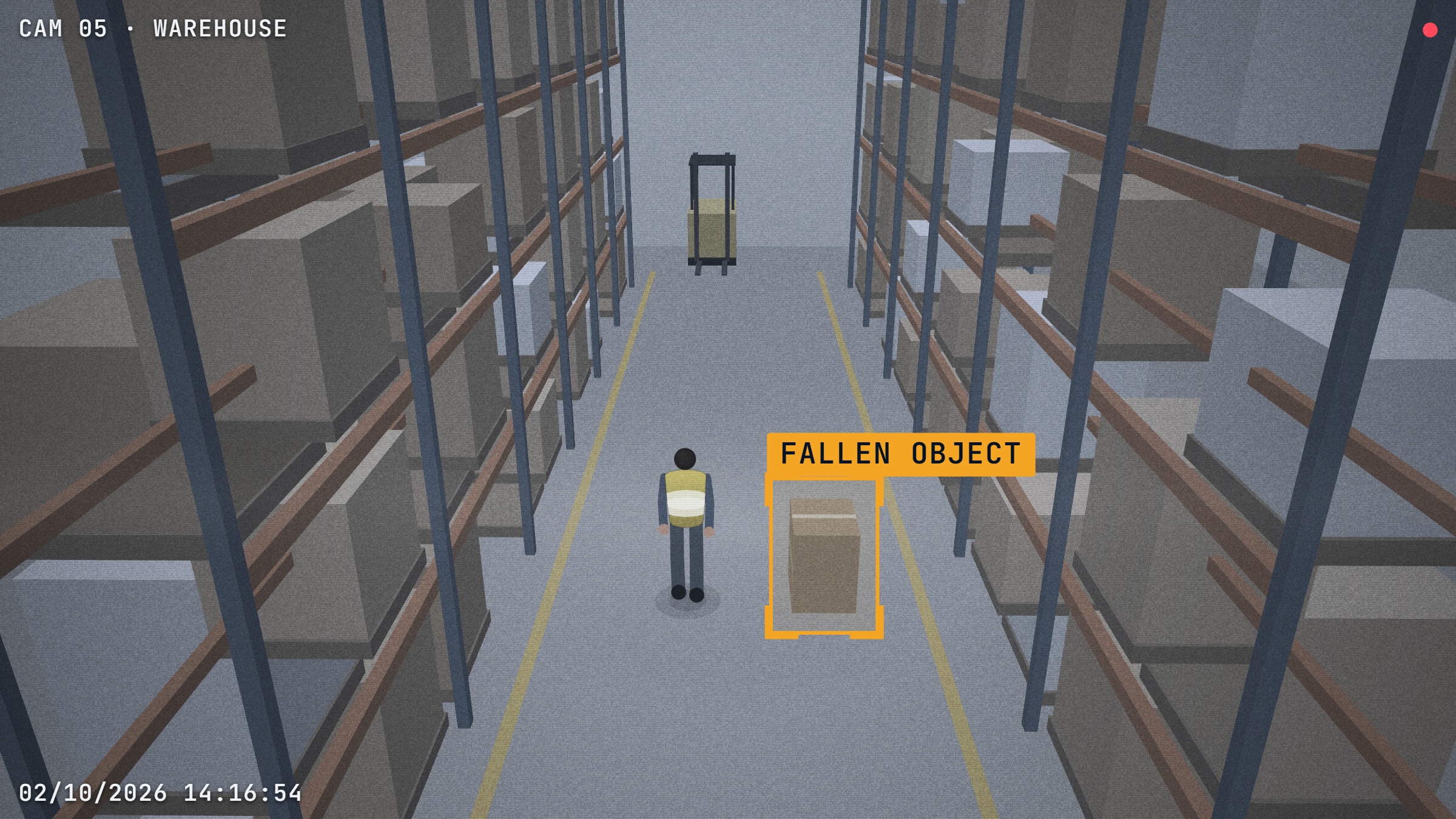
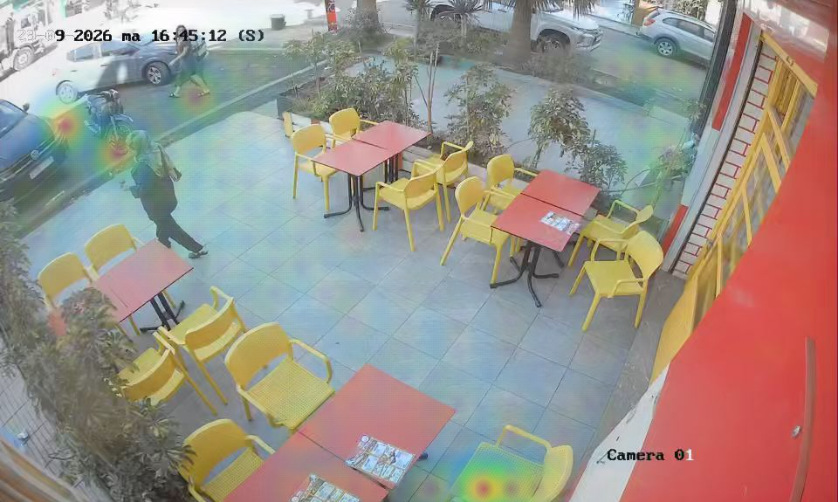
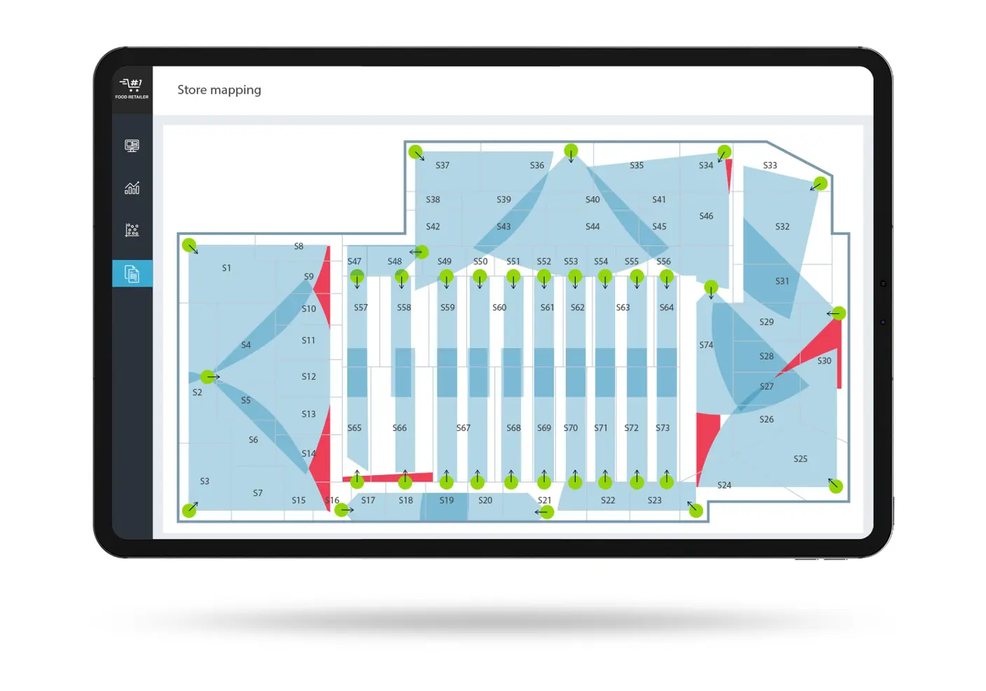
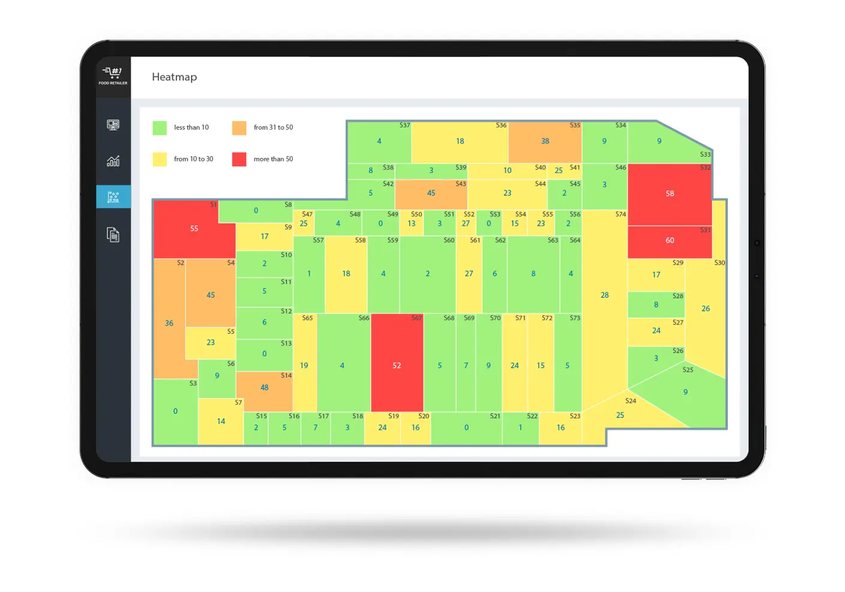
Flows and hotspots, mapped
Keeps turns hours of video into readable maps: where customers move, where they stop, where they wait.
What your teams gain
Queues are spotted before customers walk away.
Teams aligned with real footfall, hour by hour.
Hygiene and procedures continuously checked, with visual proof.
Falls, intrusions and abandoned packages flagged in seconds.
Keeps vs traditional solutions
| — | Keeps | Traditional CCTV | Manual audit |
|---|---|---|---|
| Monitors continuously, 24/7 | ~ | — | |
| Describes events in plain language | — | — | |
| Alerts the right manager in 18 seconds | — | — | |
| Measures queues and footfall | — | ~ | |
| Checks hygiene and merchandising | — | ||
| No extra hardware | |||
| No facial recognition | ~ | ||
| Connected to customer reviews in JABB VOC | — | — |
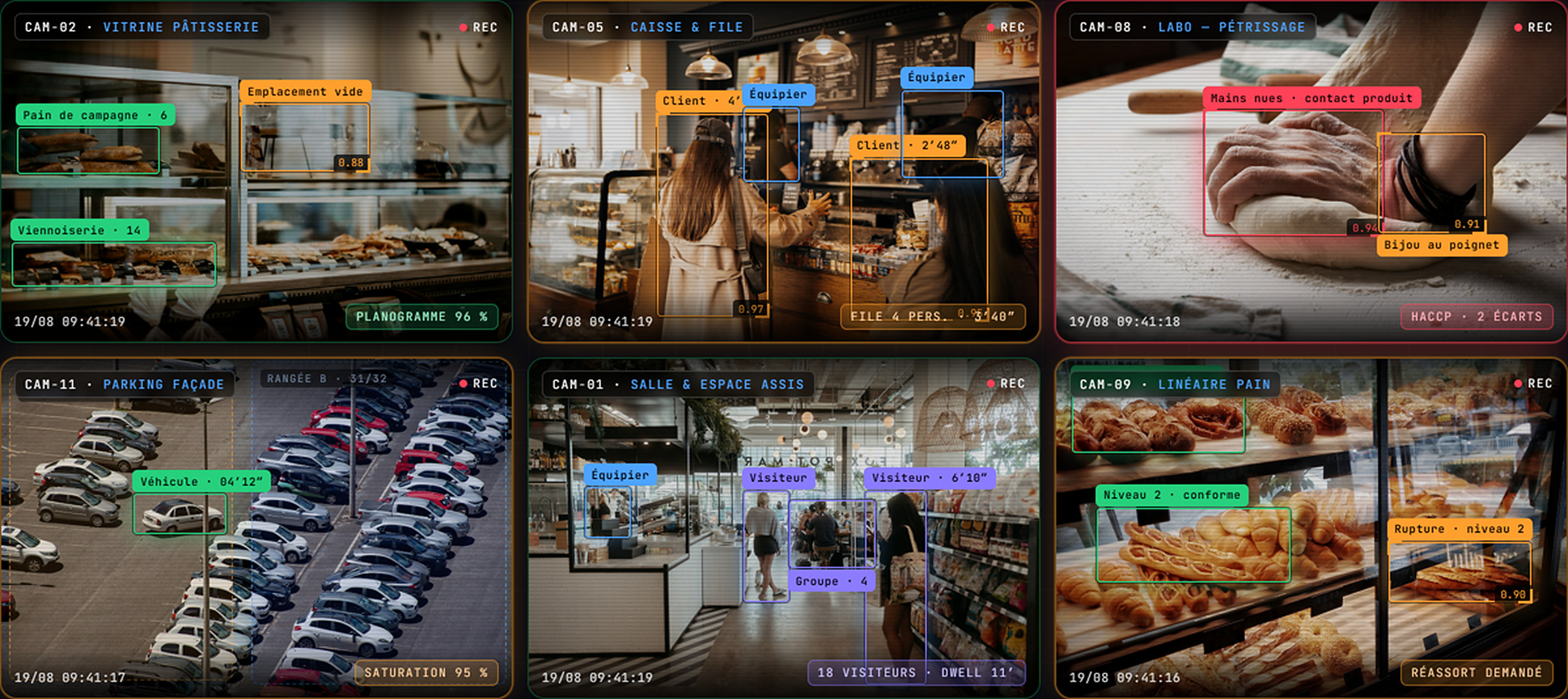
In pictures
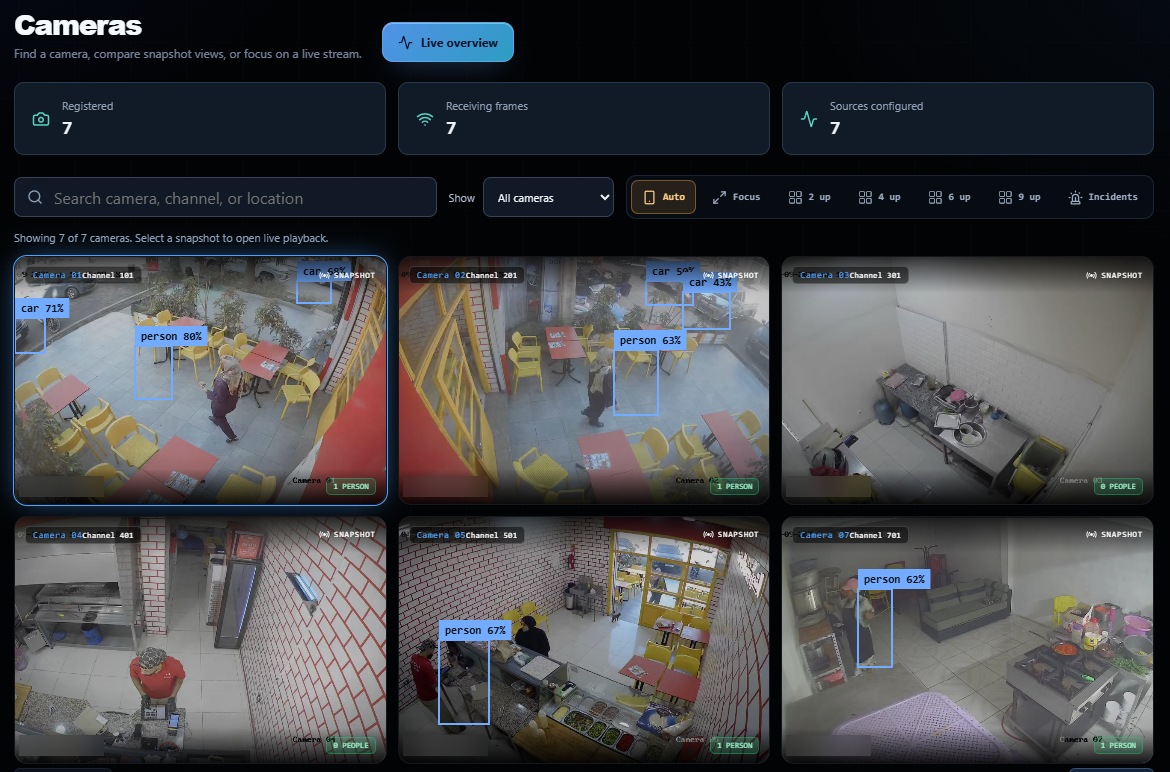
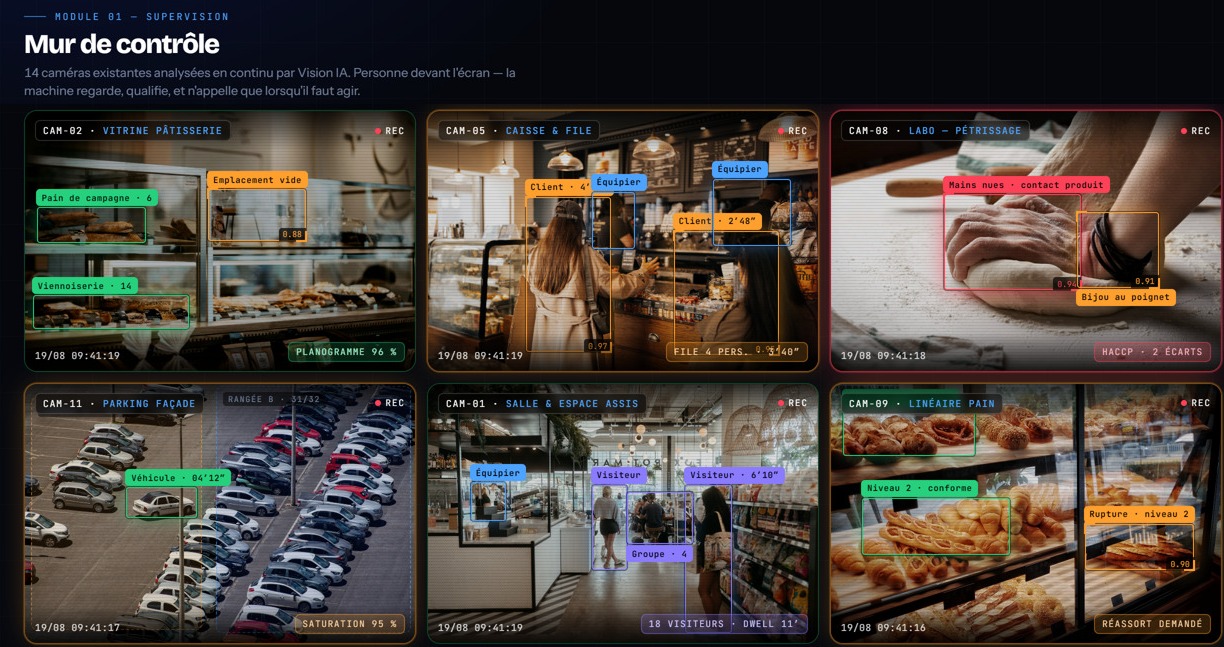
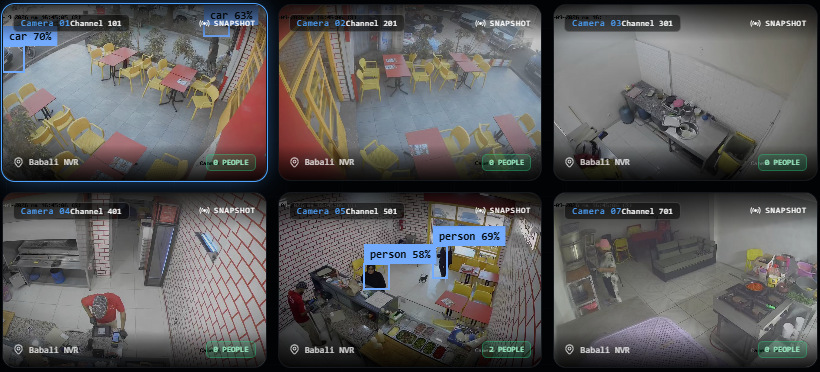
Who it's for
Frequently asked questions
Does Keeps use facial recognition?
Never. Keeps detects behaviors and objects, not identities. Processing declared to the CNDP.
Do we need to replace our cameras?
No. Keeps plugs into your existing video surveillance, whether IP cameras or recorders.
Where are images processed?
Preferably on-site, with limited retention. On-premise or sovereign cloud deployment available.
How long does it take to install Keeps?
A few days: audit your cameras, connect them, calibrate zones and rules, then go live with alerts.